A Clearer Picture
A tool dedicated to helping designers and engineers debug their Rive animation files
COMPANY
TurboRive
ROLE
Founder, Indie Project
EXPERTISE
Branding, Design, Engineering
YEAR
2025
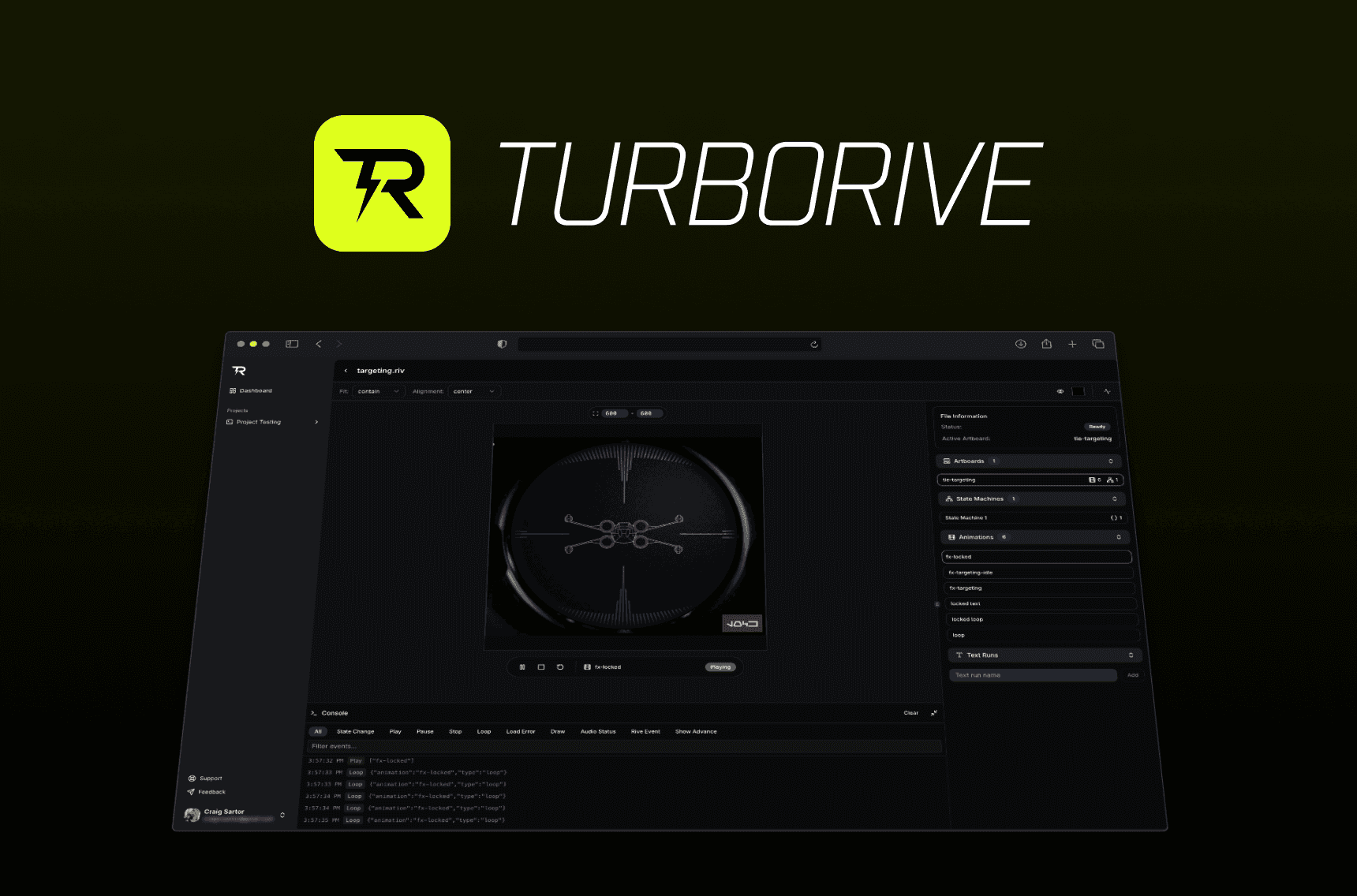
Project description
TurboRive was created due to a lack of in-depth debugging tools when implementing Rive animation files. My company GameGlass started utilizing Rive for UI's and interactive elements, but we needed a way to collaborate on the functionality and preview the files without always diving into the Rive editor.
Challenge
When collaborating with engineers over a Rive file, there is no easy way for the engineer to understand many aspects of the animation itself without diving in to the editor. The editor is intimidating for some engineers, so I wanted to build a solution that destructured the Rive files and created a single working environment for the collaboration process.
Process
This category details the step-by-step approach taken during the project, including research, planning, design and development phases.
Research & Planning
As I started building this tool for my team, I posted it on my x.com account. It was reposted by the official Rive account and I saw that there was clearly a need for a tool such as this. I took in to account DM's as well as user comments associated with this post to create an MVP, as well as the requirements I had for my team specifically.
Design & Prototyping
The design and prototyping for this project were handled directly in code instead of in Figma. As this was a product based on functionality more-so than design, building the components in code first provided valuable insight in to what was and wasn't possible. The UI was built using shadcn & tailwind.
Rive files contain an object that discloses the available data in the file once it's loaded, so destructuring that object and reviewing what was available helped me plan what features I could build and what could be a potential roadblock.
Development & Implementation
This project started out as a requirement for my team but evolved into a personal project that I felt I could help others with. I used the following tools/libraries to bring it to life:
NextJS
ShadCN
Tailwind
Clerk (authentication)
UploadThing (secure file storage)
Supabase
Zod (validation)
Zustand (state management)
Rive
Figma
Branding
I knew that the branding for this project should be minimal and simplistic, ensuring quick iteration so I could focus on implementation instead which would be the vast majority of the work. The evolution of the brandmark can be seen in the image below.

Development
Utilizing my experience with NextJS, ShadCN, v0, Supabase and project architecture I started with a very simple layout for an MVP that just loaded a Rive file with a sidebar on the right side similar to other visual editing tools. Once I had the Rive file destructured, I started to implement different parts of the right properties panel to give an overview of basic information of the Rive file.
The following is a video I posted showcasing the initial version of this project.
Shortly after the basic functionality was in place, I knew that if other users wanted to use TurboRive I would need to implement an auth + storage system so they would be able to securely upload and store their Rive files. I implemented Clerk for authentication, Supabase as a DB and UploadThing to serve as the file manager.
Users could now upload, modify and delete the projects they created within TurboRive.
As soon as I had the basic functionality of the editor, authentication and file storage completed, I moved on to building features for the product.
In this version of Rive, text runs were not exposed at runtime. This meant that an engineer would have to dive into the Rive editor, review what text runs were being used within the file, their names, their paths, and then manually update the runtime code to match what was in the file.
I wanted to create a better way of doing this, where the designer could save these text runs, their paths, and their values directly in TurboRive for easy handoff.
The next task on the list was to create a console that showed what events were taking place throughout interactions with the Rive file. This would allow engineers to easily discover the objects and names of the interactions taking place within the file. It also would help debug issues that may or may not be discovered within the Rive editor itself.
Out of band assets were somewhat of a mystery to myself and my team, so I created a functional way to test these features within TurboRive. This enabled users to preview the out of band assets they were using for their Rive files, to ensure that the layout/styling/functionality worked as they imagined. It also gave the ability to easily swap fonts/images/sounds to test directly in a debugging tool without relying on production code.
Here is another example of this in action, but instead of testing fonts/images we are testing sounds.
One of the final features I implemented was the ability to work with inputs at any level. The Rive runtime didn't have modular access to nesting and hierarchy when this was built, so this solution created a simple way of working with paths and nesting so engineers could easily understand how to access these inputs.
Results
The resulting web application provided a simple way for designers and engineers to collaborate on their Rive animations, without the headache of going back and forth to the editor.
Around the time I finished with implementing nested inputs, Rive completely overhauled how they dealt with data modelling, resulting in this project being archived due to a shift in priorities.