Case study / HomeLook
Tackling multi-angle AI-based interior design
A mobile app that restyles a room from every angle and turns the result into a look story.
01 / Project description
Why it exists.
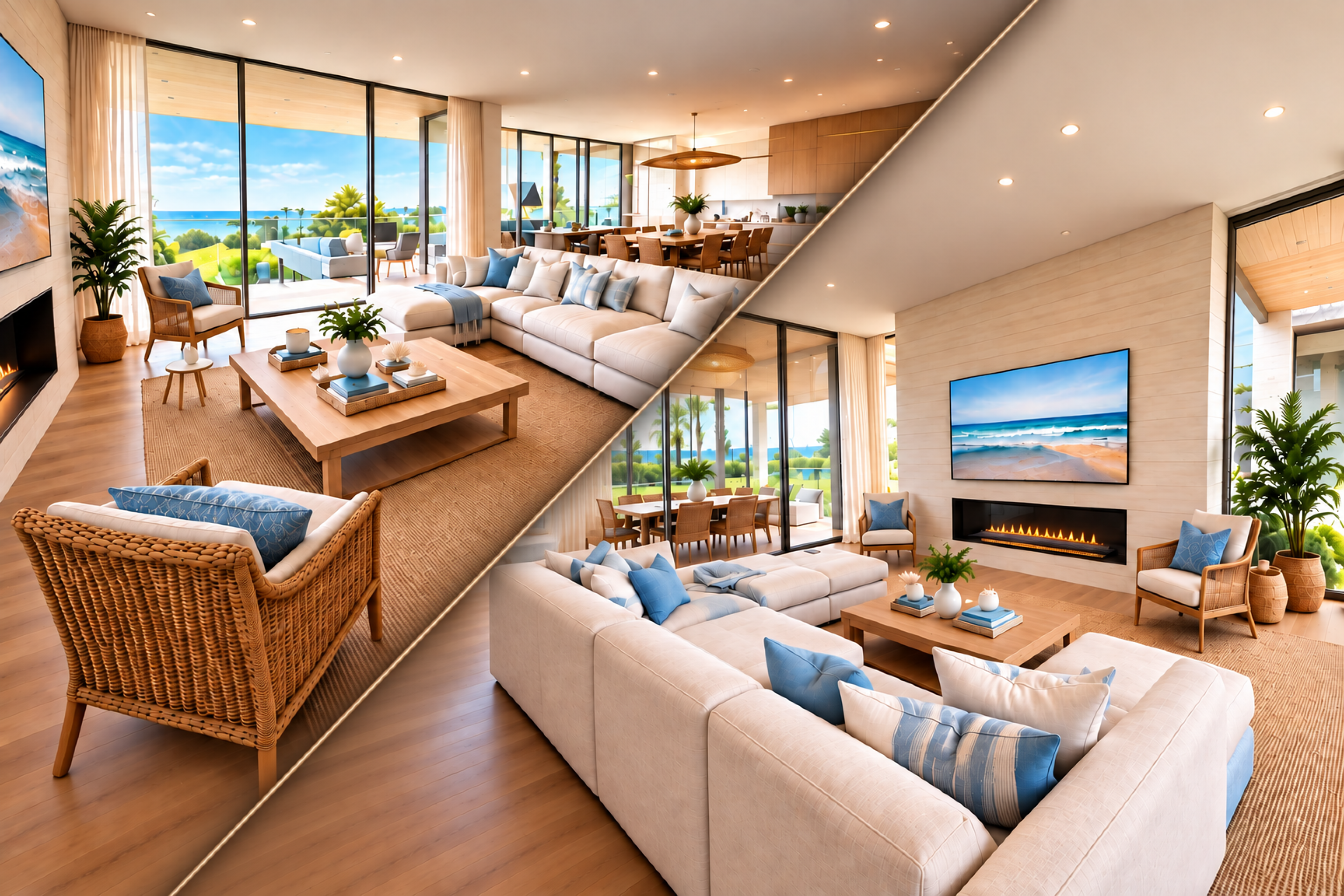
Generative interior tools break as soon as you give them more than one photo. They lose which wall is which, spin furniture, and invent a different room from every angle. HomeLook captures a room as a place — then restyles it consistently and builds a look story from that result.
Two weeks from first research to a working capture-to-look-story app.
Background
I built it as a playground for a real product question: can multi-image interior AI hold a room together if capture is constrained and the model can see space, not just pixels?
02 / Process
How it came together.
Research & Planning
Generative work is expensive and hard to inspect, so I stood up a React Native shell, Expo, Supabase, and a Next.js dashboard where I could swap models, compare prompts, and watch spend before I locked the product UI.
Design & Prototyping
First pass: a visual editor where you marked walls, doors, and windows. It worked. It also asked the user to be a drafter. That’s the wrong amount of friction for a restyle app, so I killed it.
I used the Segment Anything Model (SAM) to mask the room and generate from multiple photos. Architecture held together better. Furniture still rotated, and objects still drifted between views.
If the output had to be consistent, the capture couldn’t be casual. I needed known angles and a model of the room, not a pile of photos.
I built an ARKit flow: two hero shots, then a guided sweep around the room. AR gave me where each frame was taken.
VGGT turned that into depth, camera poses, and a point cloud — enough spatial signal to restyle the same room from every angle without the furniture spinning.
Development & Implementation
The results screen had to be the product, not a gallery of AI images. People renovating aren't collecting renders — they're trying to tell a story with a room.
So the output is a look story: the restyle, then palettes, materials, and sheets pulled from that image with a vision model, under hard constraints so the guide matches the room they just made.
I prototyped the screens in Figma and built them in the React Native app with Cursor and the Figma MCP.
- React Native
- Expo
- Supabase
- Figma
- Cursor
- Figma MCP
- Fal.ai
03 / Results
What it became.
In two weeks the app could restyle a room from every angle with stable orientation, then produce a palette, material list, and look sheets grounded in that image — not a generic moodboard.